A patient is either created manually or automatically by your practice management program.
Your practice management program will automatically set all necessary fields (patient ID, patient name, date of birth).
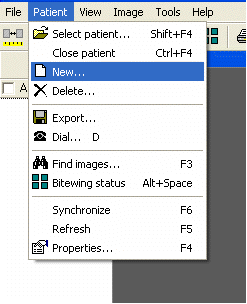
Create a new patient by selecting /Patient/New…
These fields are saved with the patient. You must at least enter the first or last name. The patient ID can be created automatically or you can enter it yourself, depending on the database configuration. Two patients cannot have the same patient ID.
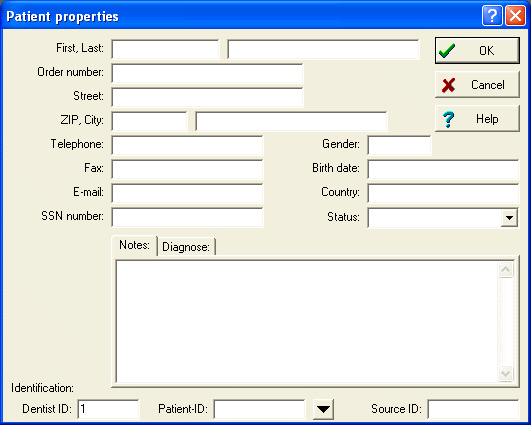
If automatic patient ID numbers is enabled, you should minimally enter the last name.
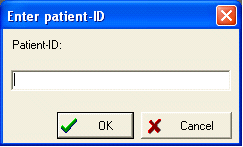
Otherwise enter a valid (unique) patient ID: